
CheetahType
Keyboard marketplace

Find your perfect typing keyboard

A focused shortlist of boards worth buying, from comfortable everyday keyboards to enthusiast favorites. Compare the essentials and check today's price when you find your match.

12 picksSorted by score

Top picks at a glance

Browse all 12 recommendations, then view the latest retailer price.

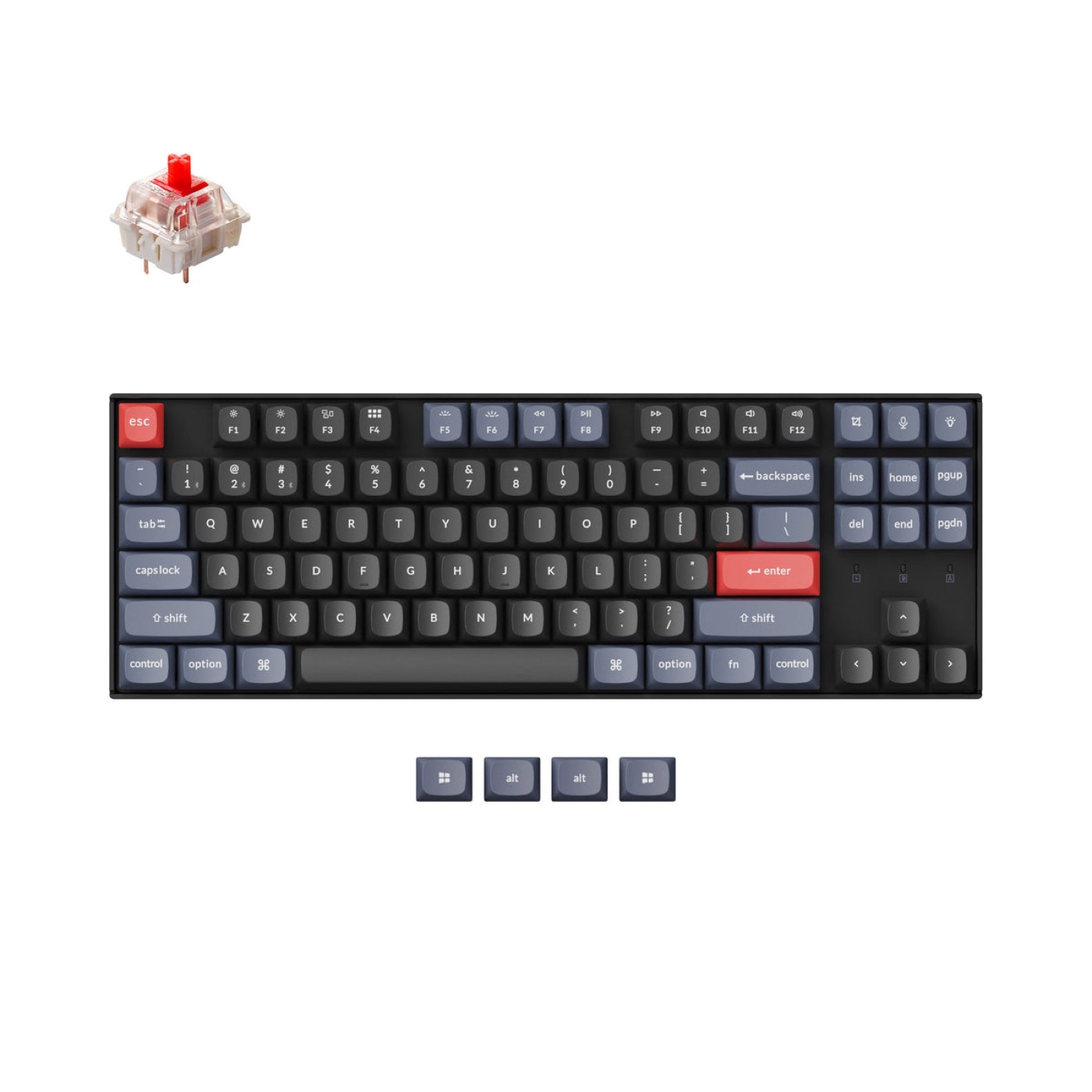
Keychron Q1 Pro keyboard#1
Best Overall9.4

Keychron Q1 Pro

A wireless, full-aluminum 75% with a gasket-mounted typing feel that rivals boards costing twice as much.

75% - 81 keys + knob2.4 GHzHot-swap

From

$199

View deal
HHKB Professional Hybrid keyboard#2
Leopold FC750R PD keyboard#3
Best Pure Typing Feel9.1

Leopold FC750R PD

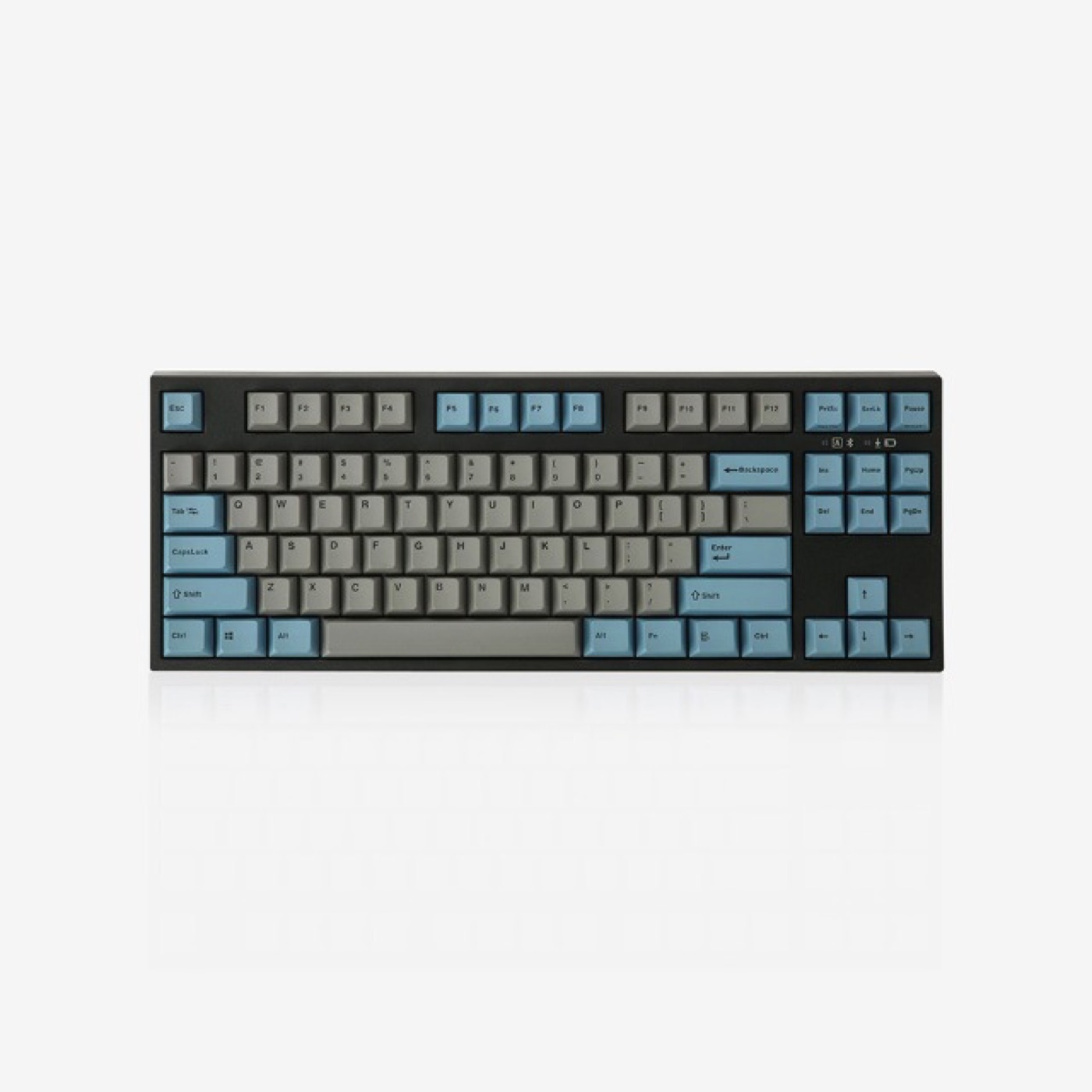
A cult-favorite TKL with thick double-shot PBT keycaps and some of the best out-of-box sound dampening in the business.

TKL - 87 keysWired USB-C (detachable)

From

$119

View deal
NuPhy Air75 V2 keyboard#4
Best Low-Profile9.0

NuPhy Air75 V2

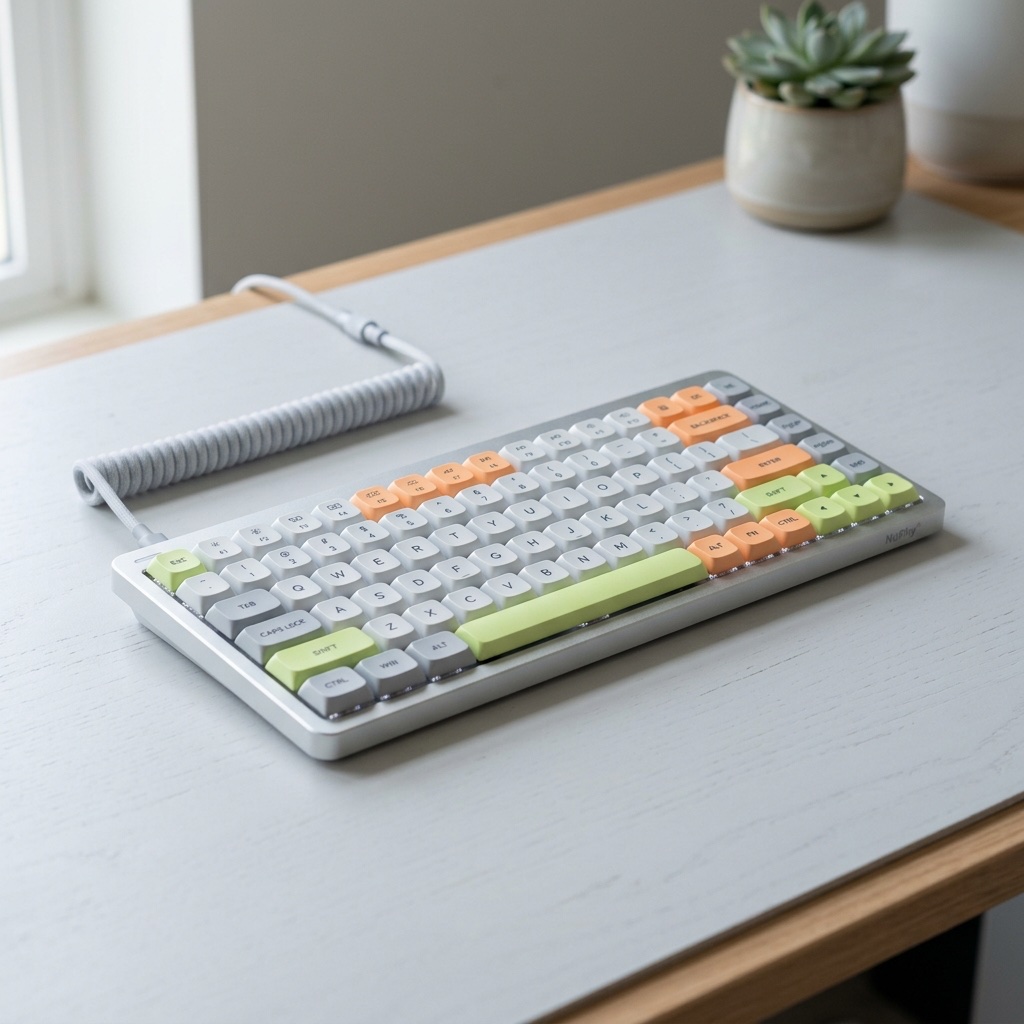
The best low-profile wireless board on the market - thinner than a laptop lid and genuinely great to type on.

75% - 84 keys2.4 GHzHot-swap

From

$119

View deal
Wooting 60HE keyboard#5
Best for Competitive Gaming8.9

Wooting 60HE

The Hall-effect pioneer: set the actuation of every key as shallow as 0.1 mm and type as lightly as you like.

60% - 61 keysWired USB-CHot-swap

From

$175

View deal
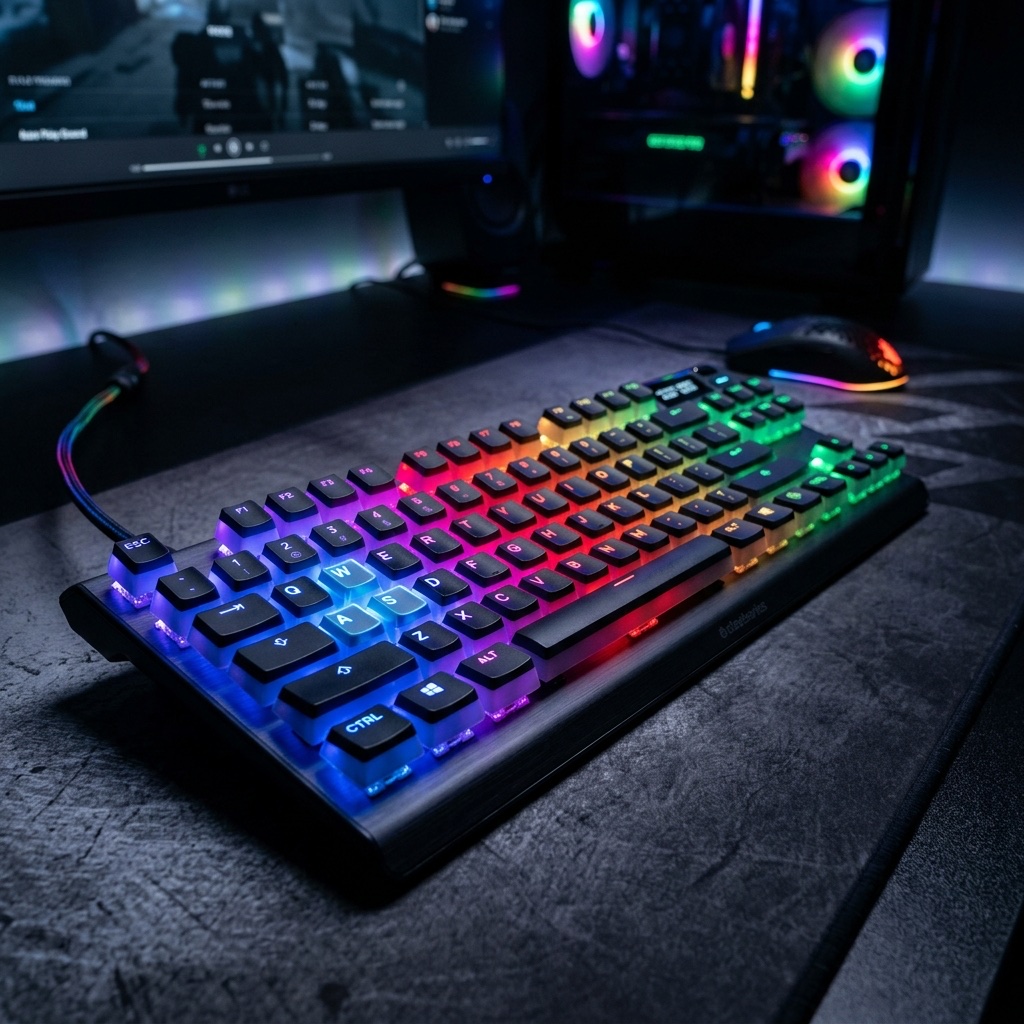
SteelSeries Apex Pro TKL keyboard#6
Best for Fast Actuation8.7

SteelSeries Apex Pro TKL

Per-key adjustable actuation in a mainstream, esports-ready TKL - set WASD twitchy and keep the rest of the board comfy.

TKL - 87 keysWired USB-C (detachable)

From

$189

View deal
Keychron K8 Pro keyboard#7
Best Wireless TKL Value8.6

Keychron K8 Pro

A budget-friendly TKL with QMK/VIA, Bluetooth, and a surprisingly refined typing feel.

TKL - 87 keysBluetooth 5.1Hot-swap

From

$109

View deal
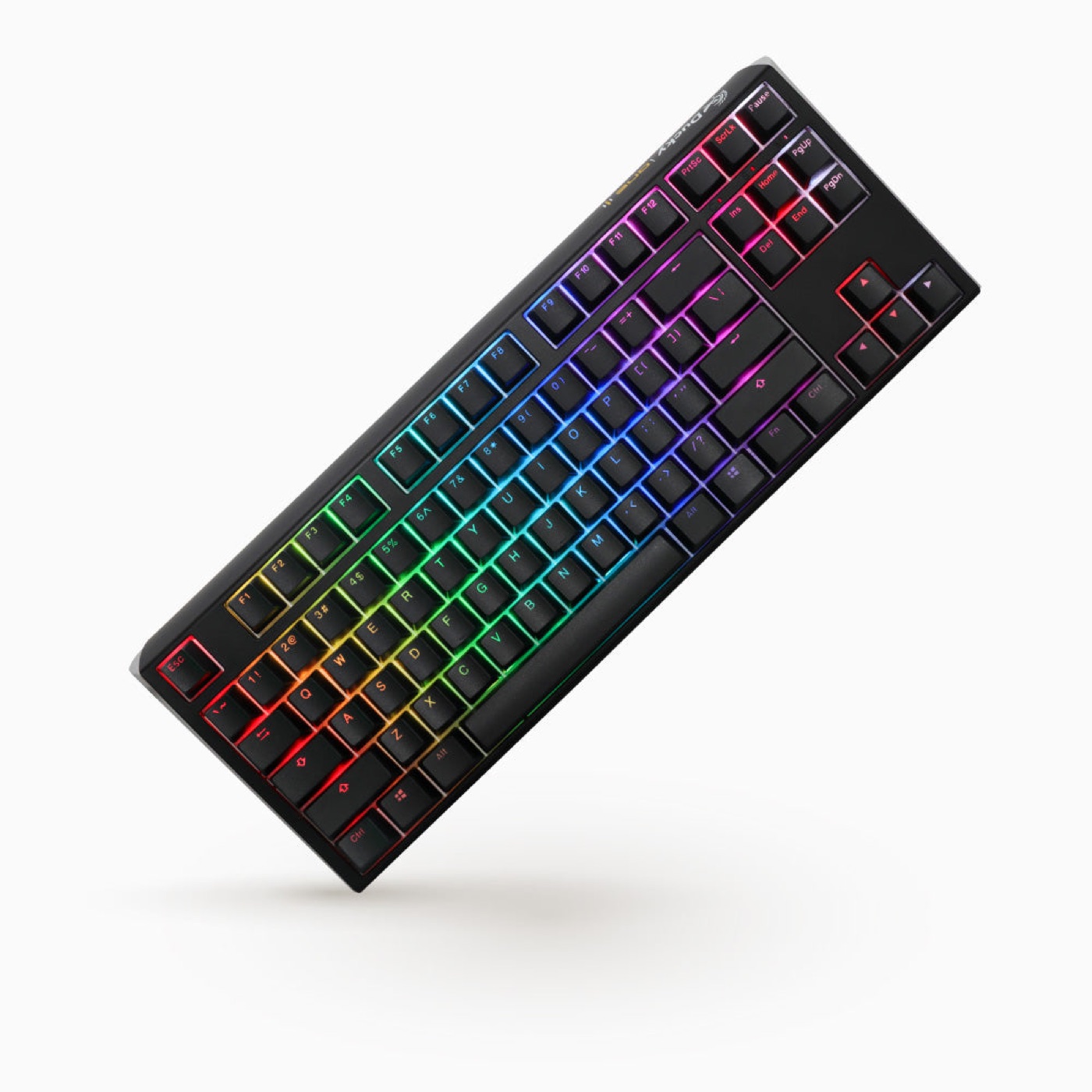
Ducky One 3 TKL keyboard#8
Best for Customizers8.5

Ducky One 3 TKL

The enthusiast-friendly pre-built: hot-swap sockets, a dual-layer PCB and keycaps you will not immediately want to replace.

TKL - 87 keysWired USB-C (detachable)Hot-swap

From

$129

View deal
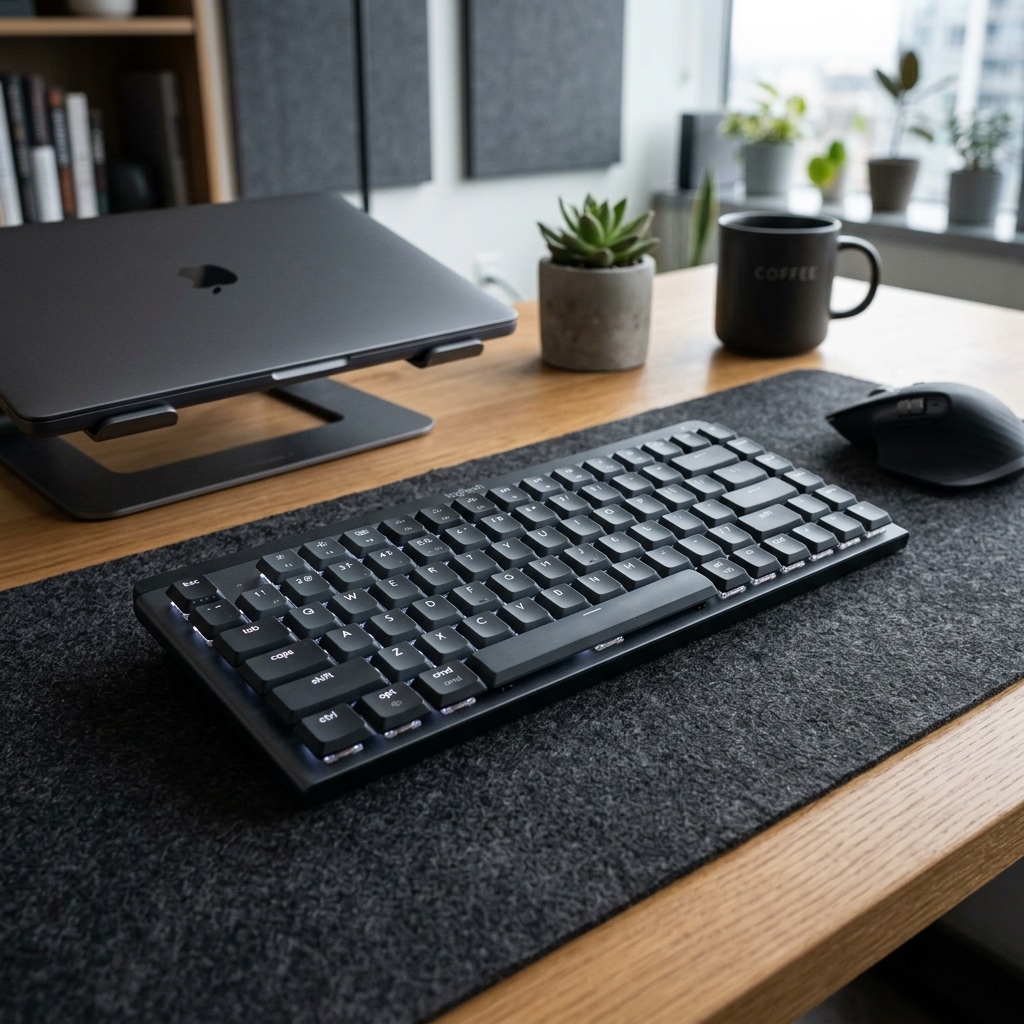
Logitech MX Mechanical keyboard#9
Best for Work8.4

Logitech MX Mechanical

Low-profile wireless built for desks, not battlestations: quiet, backlit, and paired with three devices in one tap.

Full-size (Mini compact available)Bluetooth 5.1

From

$169

View deal
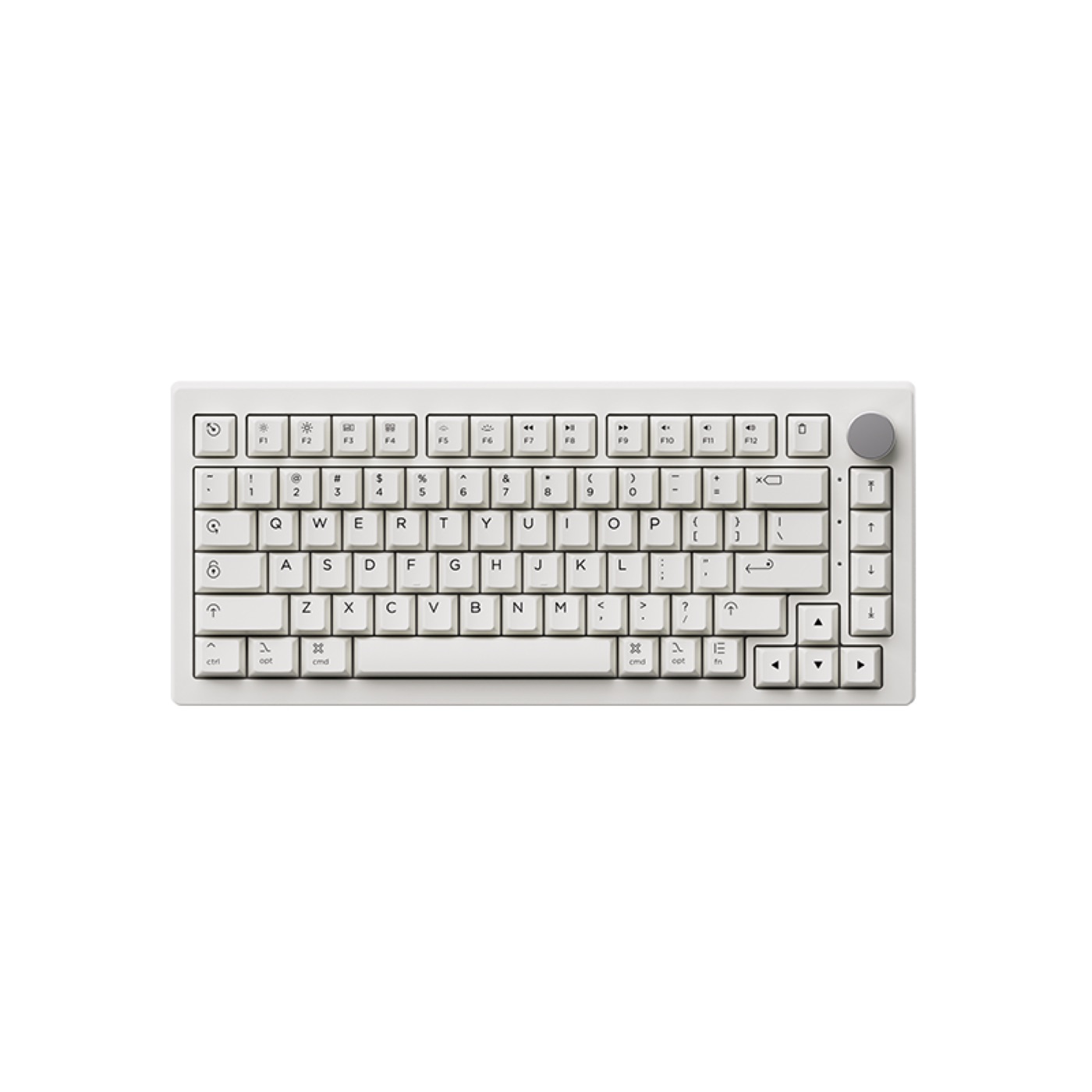
Akko 5075B Plus keyboard#10
Best Budget Typing Feel8.3

Akko 5075B Plus

Gasket-mounted, dampened and tri-mode - the budget board that feels like it costs twice as much.

75% - 82 keys + knob2.4 GHzHot-swap

From

$89

View deal
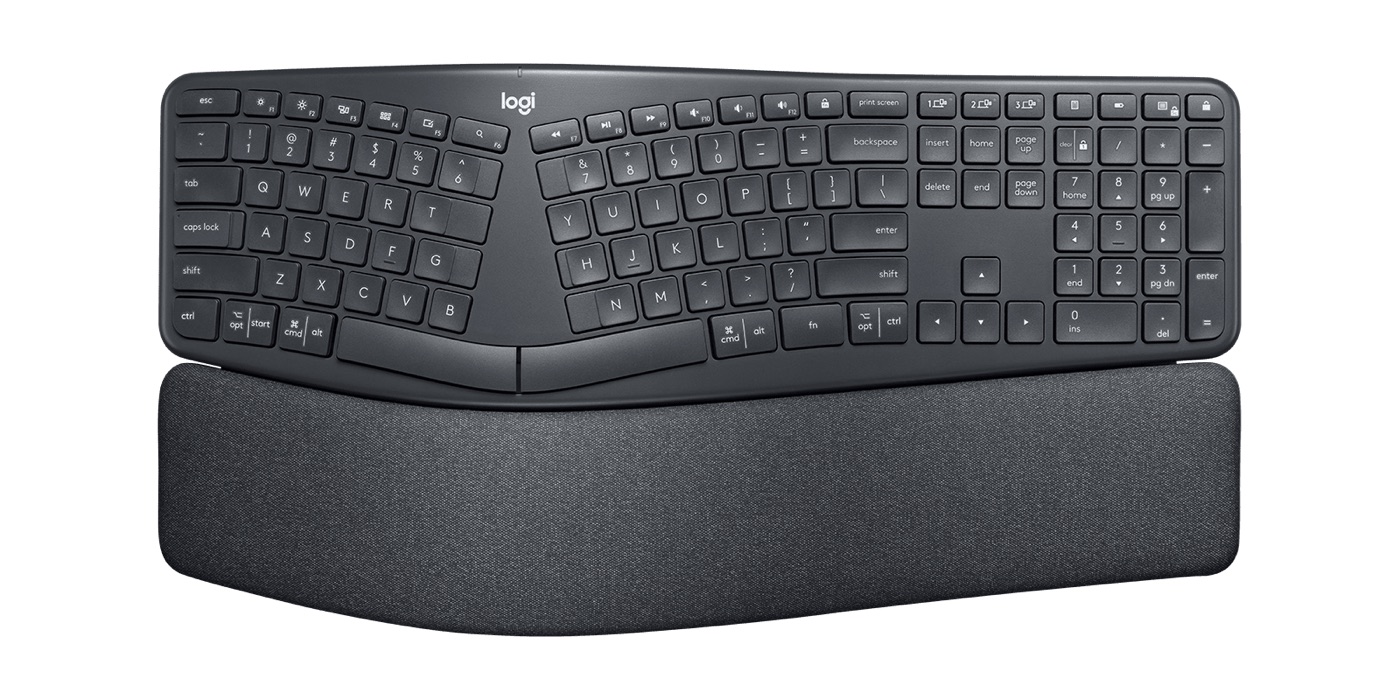
Logitech Ergo K860 keyboard#11
Best Ergonomic8.2

Logitech Ergo K860

A split, curved ergonomic board with pillowed palm support for people who type for a living.

Full-size ergonomic - 107 keysBluetooth 5.1 (3 devices)

From

$129

View deal
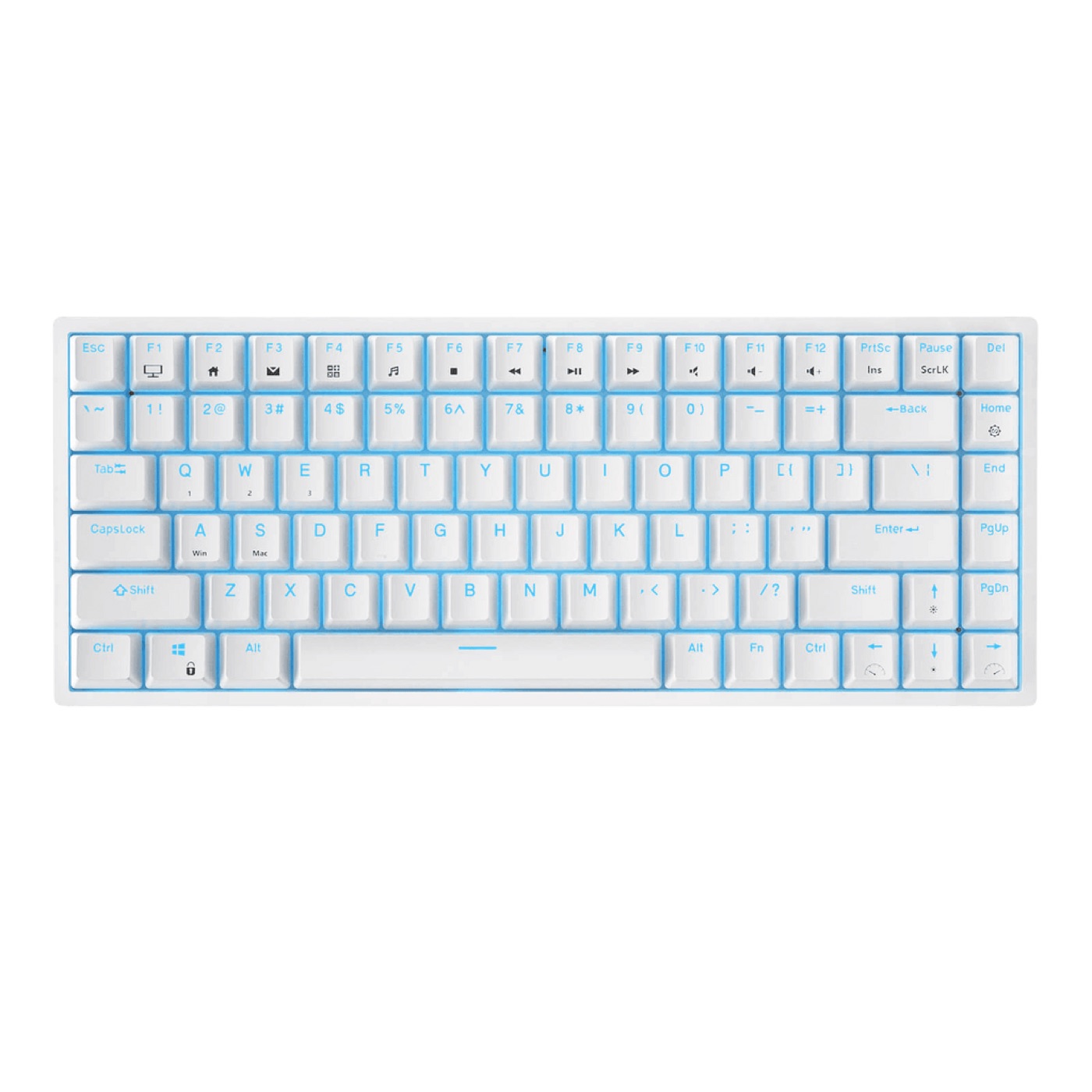
Royal Kludge RK84 keyboard#12
Best Budget8.0

Royal Kludge RK84

The cheapest board on this list that still checks every box: 75%, tri-mode wireless, hot-swap and RGB.

75% - 84 keys2.4 GHzHot-swap

From

$59

View deal

CheetahType is reader-supported. When you buy through links on this page we may earn an affiliate commission - at no extra cost to you. We only recommend boards we would happily type on ourselves, and placements are never sold. Prices are approximate and were correct around the time of publishing; always check the current price on the retailer's page. Amazon and the Amazon logo are trademarks of Amazon.com, Inc. or its affiliates.

Product photos are manufacturer images or photos shared under open licences (credited where applicable), used purely to identify the products we cover. All trademarks and product names belong to their respective owners.

Choose with confidence

Quick answers to the questions that matter before you buy.

Switch types explained: linear, tactile, clicky, Topre and Hall effect

Mechanical switches come in three main flavors: linear (smooth, no bump - Gateron Red, Cherry MX Red), tactile (a bump at the actuation point - Cherry MX Brown, Topre), and clicky (bump plus an audible click - Cherry MX Blue).

For long typing sessions, most enthusiasts prefer linear or light tactile switches: they reduce finger fatigue and feel consistent across all ten fingers. Clicky switches are satisfying but loud - great at home, awkward on calls.

Two exotic options are worth knowing. Topre (used by the HHKB) uses electrostatic capacitive domes for a soft, rounded, 'thocky' feel. Hall effect switches (Wooting, SteelSeries) use magnets so you can set actuation as shallow as 0.1 mm - noticeable if you type lightly.

Choose a layout: 60%, 65%, 75%, TKL or full-size

60% drops the arrow cluster, function row and numpad to keep your mouse hand close to the home row. It is great for minimalists and Vim users, but you rely on Fn layers for arrows.

65% and 75% add arrows and often a rotary knob - the sweet spot for most typists. TKL keeps arrows, navigation and function keys but drops the numpad; full-size keeps everything.

If you enter numbers all day, go full-size or add a separate numpad. If you carry your keyboard between desks, a slim 75% like the NuPhy Air75 is the easiest to live with.

Connectivity: wired vs 2.4 GHz vs Bluetooth

Wired is the simplest and cheapest, and needs zero charging. A 2.4 GHz dongle gives near-wired latency - the best option if you game and type on the same board. Bluetooth is the most convenient (switch between laptop and desktop with a tap) but has the highest - though still perfectly typable - latency.

For pure typing, all three are fine. Prioritize 2.4 GHz if you also game, and Bluetooth if you juggle multiple devices.

Hot-swap, keycaps and serviceability

Hot-swap sockets let you replace switches without soldering - the single best feature for experimenting with switch types or repairing a dead key years down the road.

Keycaps matter almost as much as switches: double-shot PBT caps resist shine and add a deeper sound, while ABS caps wear smooth and go shiny. If you plan to customize keycaps, stick to standard MX-compatible boards rather than low-profile ones.

Does a better keyboard make you type faster?

Only slightly - speed comes from touch-typing practice, not price tags. What a great keyboard really buys you is comfort, consistency and the desire to actually sit down and practice.

That said, real speed factors exist: actuation distance and weight (lighter and shallower means less effort), keycap profile (spherical and cherry-profile caps cup your fingers) and stability (a heavy, rattle-free board keeps you confident at 100+ WPM).

Keyboard FAQ