
Typing Test for Kids: Best Free Typing Practice Tools and Age-by-Age Guide
Find the best typing test for kids with our comprehensive guide. Age-appropriate milestones, top free typing tools, and tips to make typing practice fun and effective for children.
Last updated: May 16, 2026
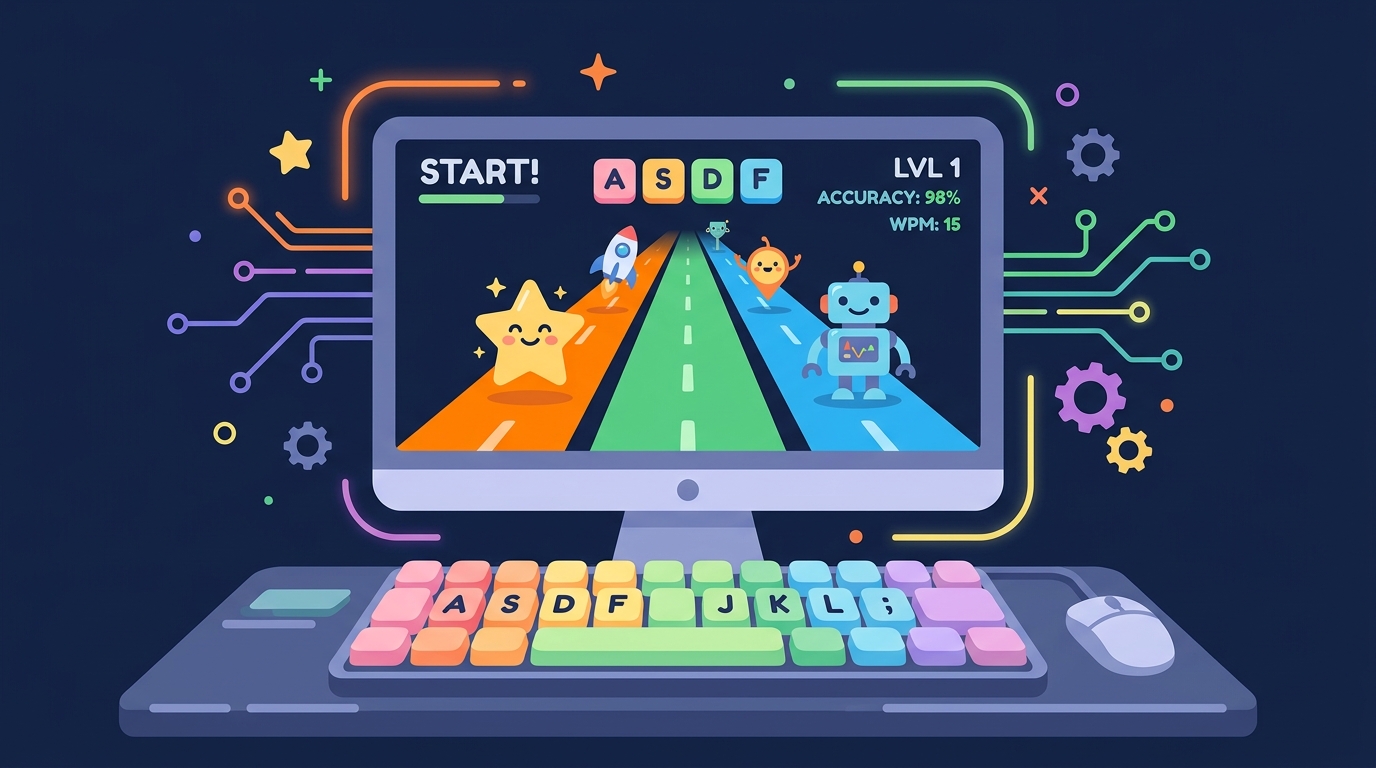
Choosing the right typing test for kids is important because children learn differently than adults. A typing platform designed for adults can frustrate young learners with its complexity, while a child-friendly tool can make typing practice feel like play. This guide covers age-appropriate typing milestones, the best free typing tools for children, and strategies to keep kids engaged in regular practice.
Why Typing Skills Matter for Children
Digital literacy is now a fundamental skill, and typing is at its core. Children who develop strong typing skills early gain advantages in academic performance, confidence with technology, and future career readiness. Many standardized tests now require computer-based completion. Students who can type efficiently spend less mental energy on the mechanics of typing and more on composing their thoughts. By 2026, typing is as essential for children as handwriting was for previous generations.
Age-by-Age Typing Milestones
Ages 5 to 6 is the exploration stage. Children can explore the keyboard through games that build finger awareness and hand-eye coordination. Typing speed is not a goal at this age. Focus on familiarity with key locations and comfortable hand positioning. Target 5 to 10 WPM with very basic accuracy. Keep sessions to 5 minutes to match attention spans. Ages 7 to 9 is the foundation stage. Children can begin learning home row positioning and proper finger assignments. Use structured programs that introduce keys gradually. Target 10 to 20 WPM with at least 80 percent accuracy. Sessions of 10 to 15 minutes are appropriate. Ages 10 to 12 is the development stage. Typing speed and accuracy should improve as children gain confidence. Introduce touch typing if not already established. Target 20 to 35 WPM with 90 percent accuracy. Sessions of 15 to 20 minutes are productive at this stage. Ages 13 and up is the mastery stage. Teenagers can aim for professional-level typing. Introduce varied content including punctuation and symbols. Target 35 to 50 WPM with 95 percent accuracy. For reference, see how these targets compare to average typing speed statistics by age group.
Making Typing Practice Fun for Kids
The most important principle for children typing practice is that it must be enjoyable. Gamification elements such as achievements, level progression, and friendly competition maintain engagement. Short, frequent sessions produce better results than long, infrequent ones. Set up a reward system for reaching typing milestones. Practice with content that interests your child, such as their favorite books, movie quotes, or video game terminology. The custom text feature on CheetahType is particularly useful for inputting content that matches your child interests.
Recommended Free Tools for Kids
CheetahType offers a distraction-free interface, custom text mode for age-appropriate content, short test durations suitable for children, and detailed progress tracking that parents can monitor. TypingClub provides gamified lessons with structured progression, school-friendly features, and teacher dashboards. Dance Mat Typing by the BBC offers a free, engaging introduction with animal characters and colorful animations. Keybr uses adaptive algorithms that work well for motivated older children. For structured curricula, Keyboarding Without Tears and TypeTastic provide comprehensive lesson plans aligned with educational standards.
How Parents Can Support Typing Practice
Set up a consistent practice schedule of 10 to 15 minutes daily rather than longer sessions less frequently. Create a comfortable ergonomic setup with a properly sized keyboard and chair. Sit with your child during practice sessions initially to ensure they are using proper finger placement. Celebrate small achievements to maintain motivation. Track progress visibly using a wall chart or the built-in dashboard so children can see their improvement over time. Be patient and encouraging. Learning to type is a gradual process, and every child progresses at their own pace.
Conclusion
Typing is an essential skill for children growing up in the digital age. With age-appropriate expectations, engaging practice tools, and consistent support from parents and teachers, every child can develop strong typing skills that will serve them throughout their academic and professional lives. The best typing test for kids is one that matches their age, interests, and current skill level while making practice feel like play rather than work.